

Mobile apps
ZebChat for Android and iOS
Your inbox, live visitors and notifications in your pocket. Answer chats, step in when the AI assistant hands over and keep an eye on your team, wherever you are.
Included in every plan, Free too · Same account as the web dashboard
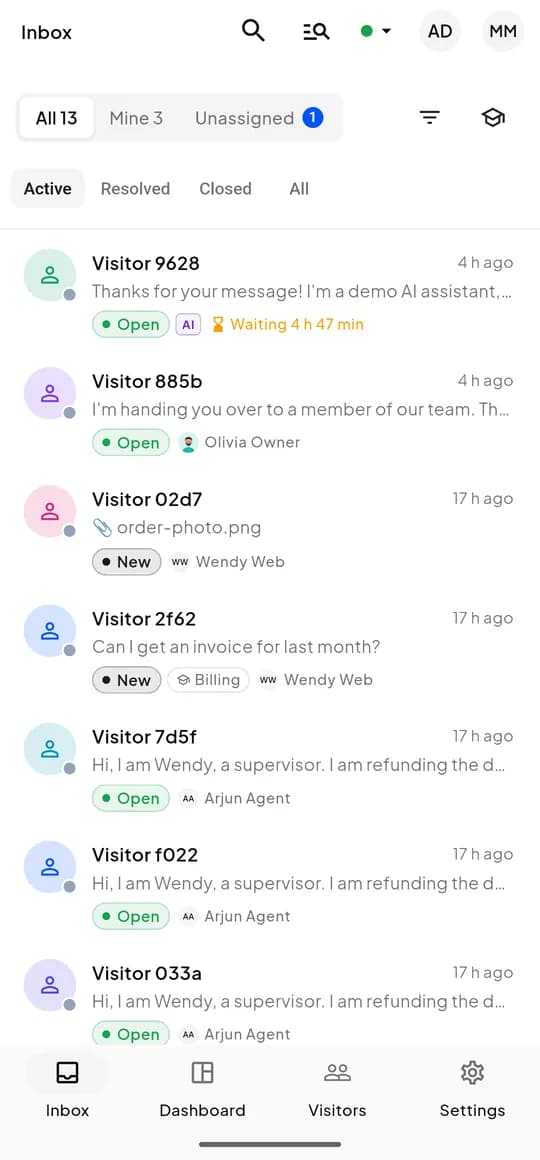
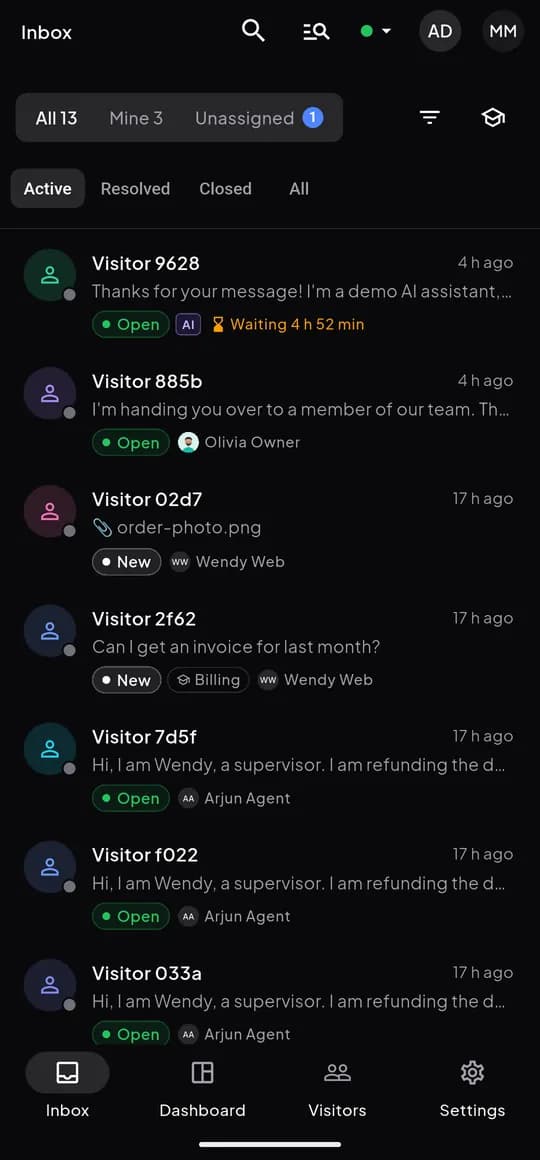
The app
Six screens you will use every day
Real screenshots from the Android app: inbox, conversation, live visitors, dashboard, notifications and saved replies.
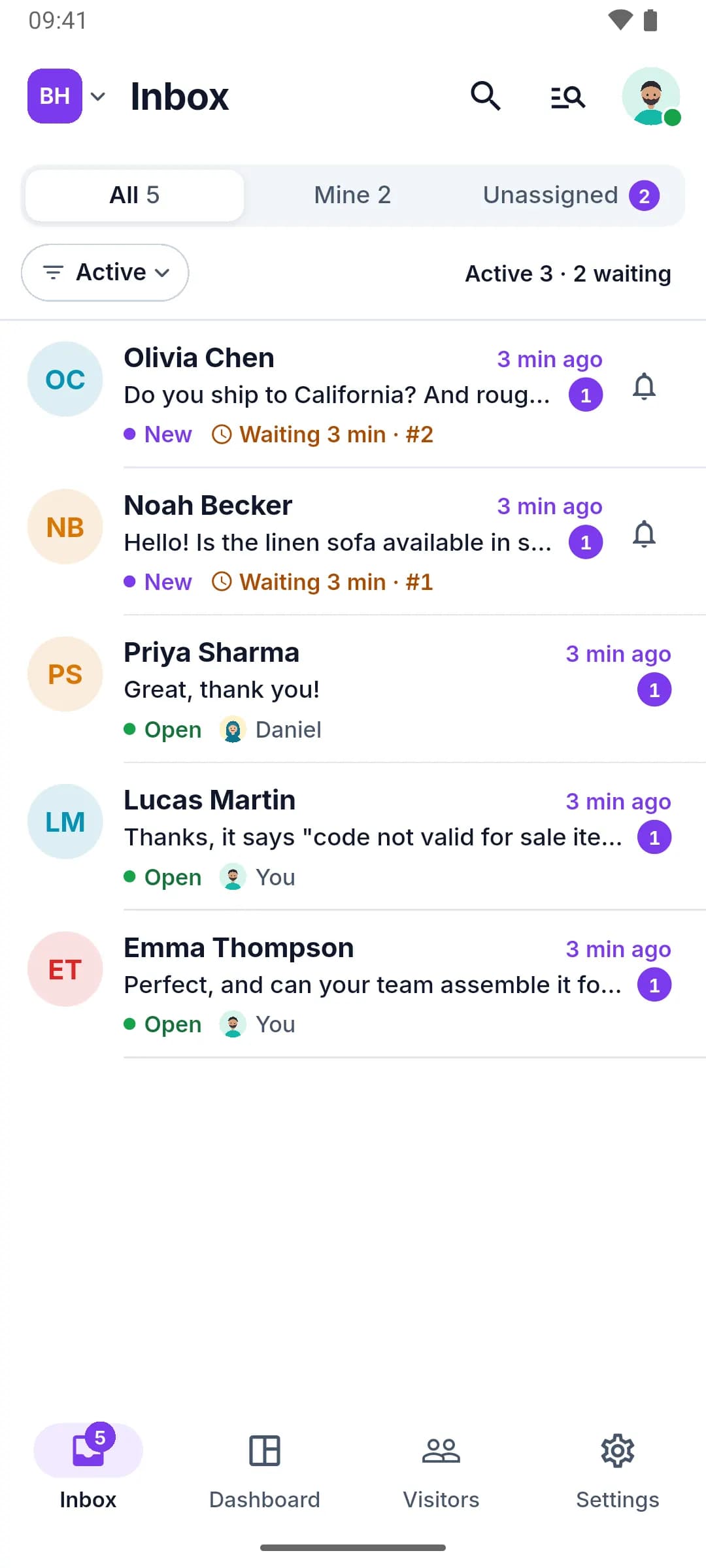
Inbox
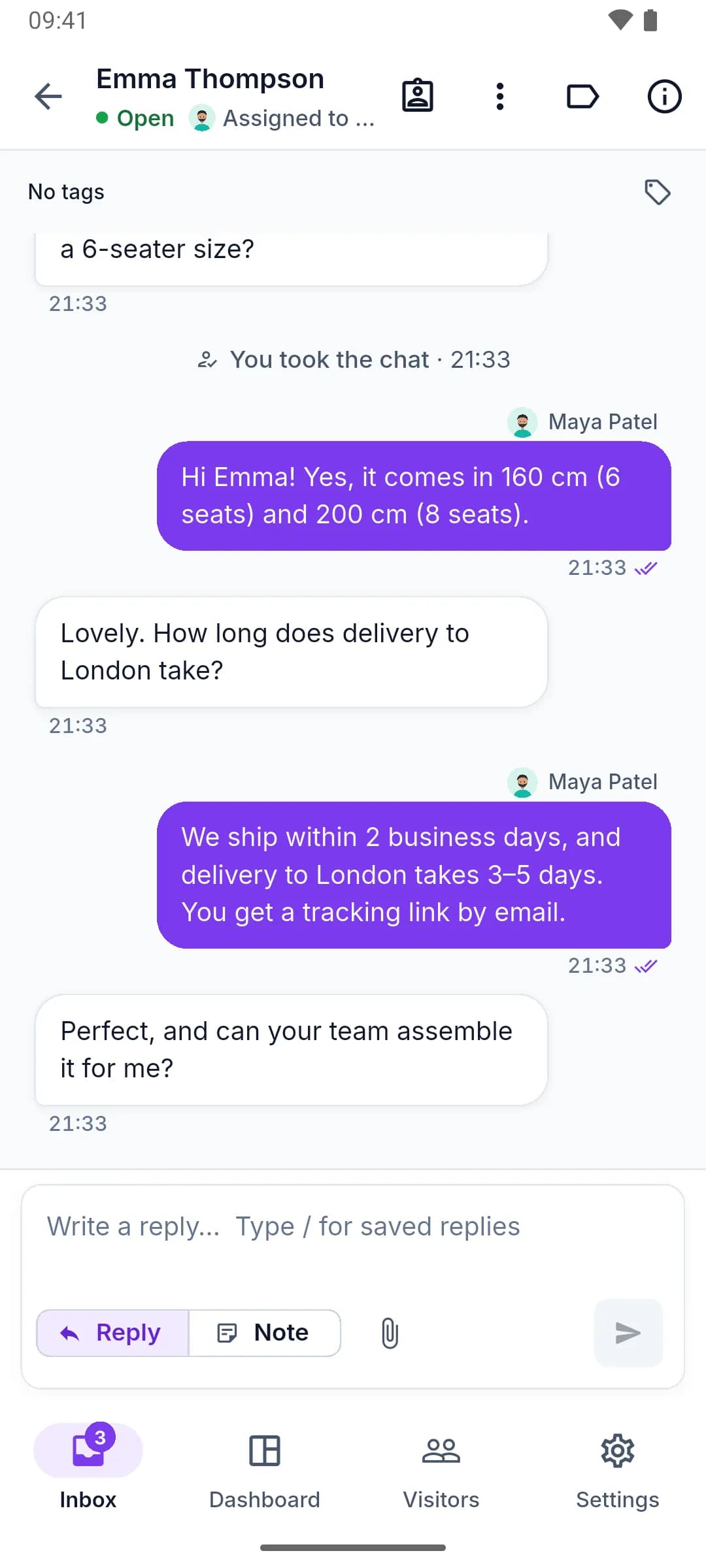
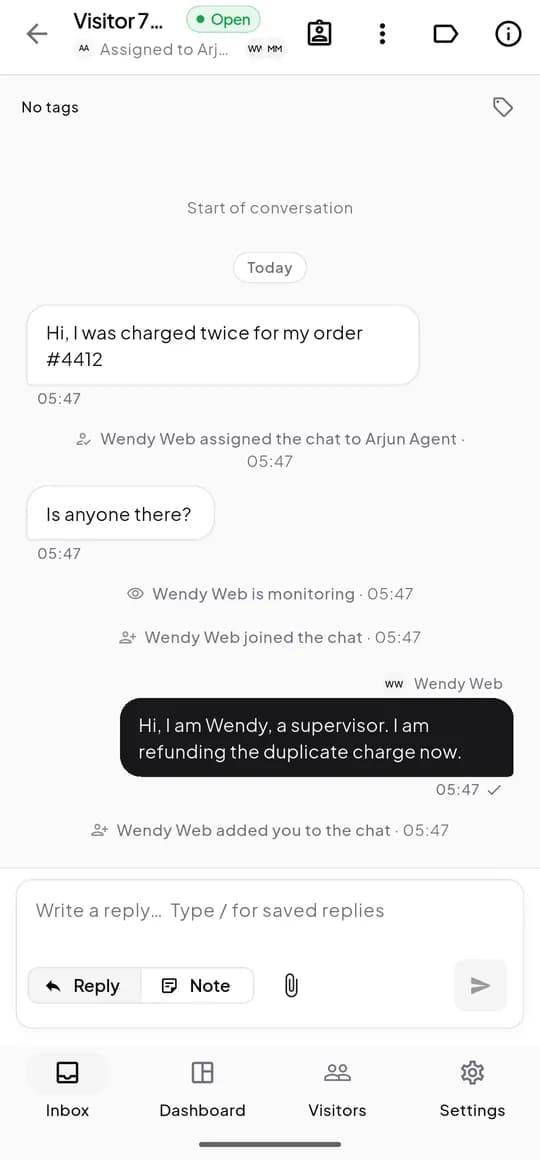
Conversation
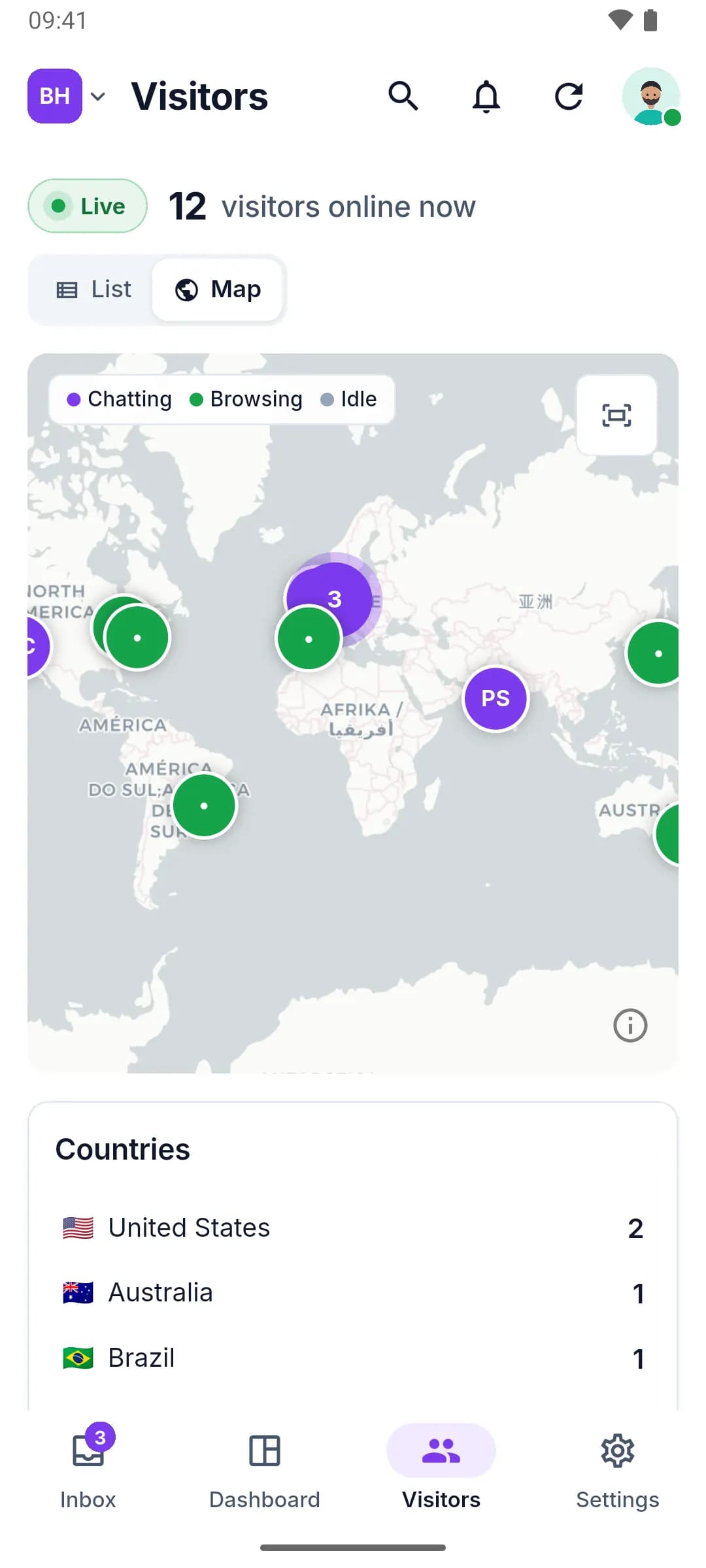
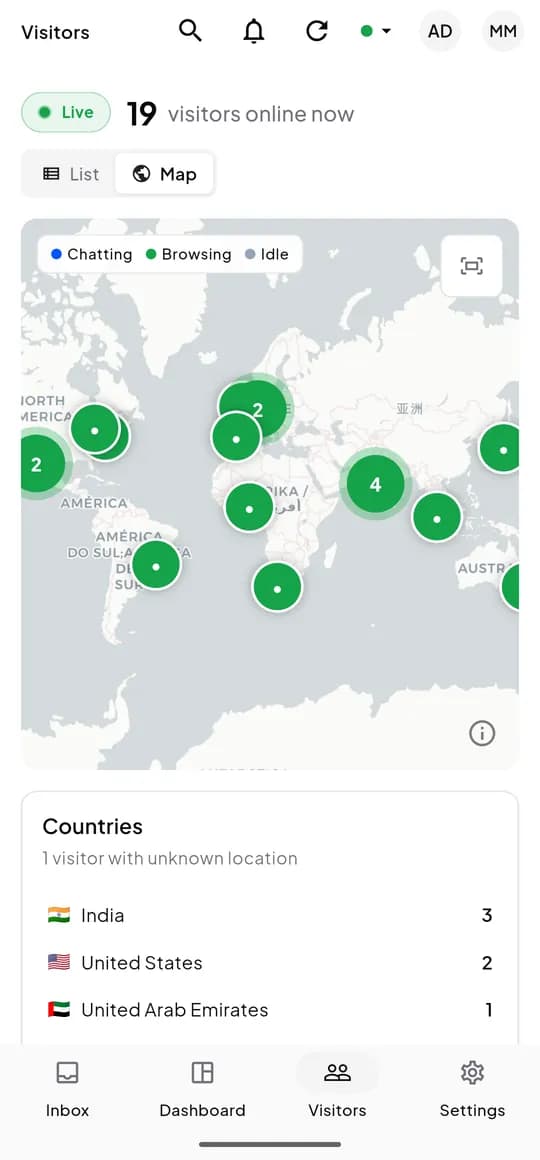
Live visitors
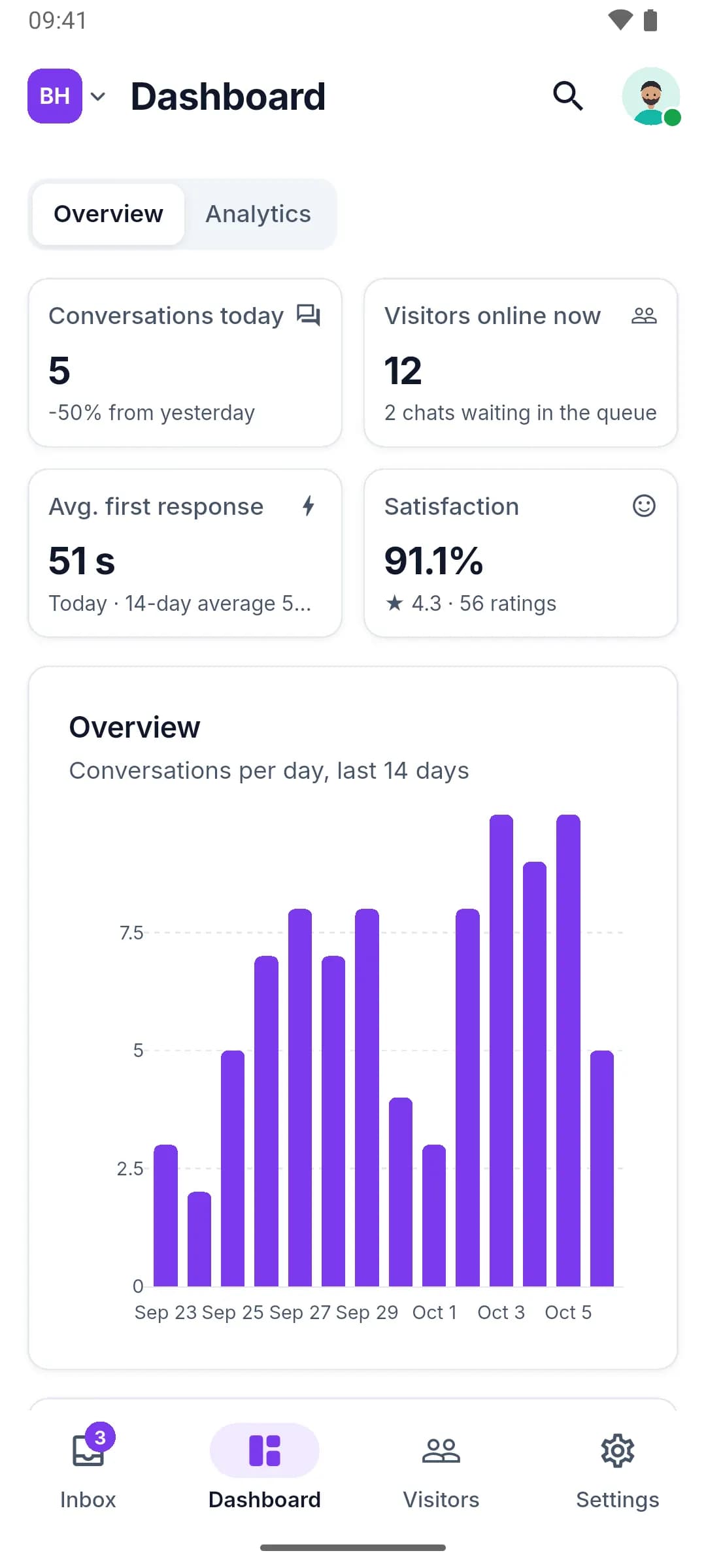
Dashboard
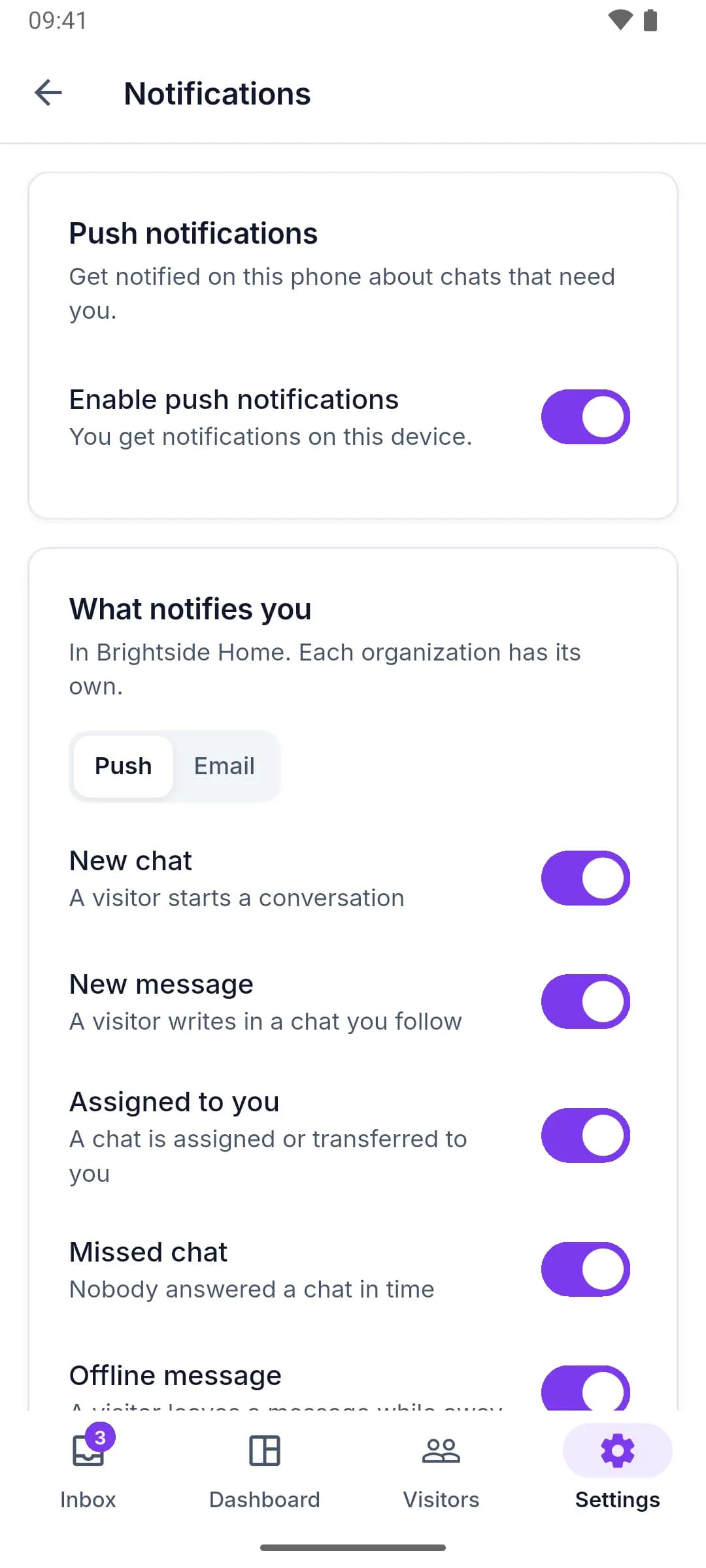
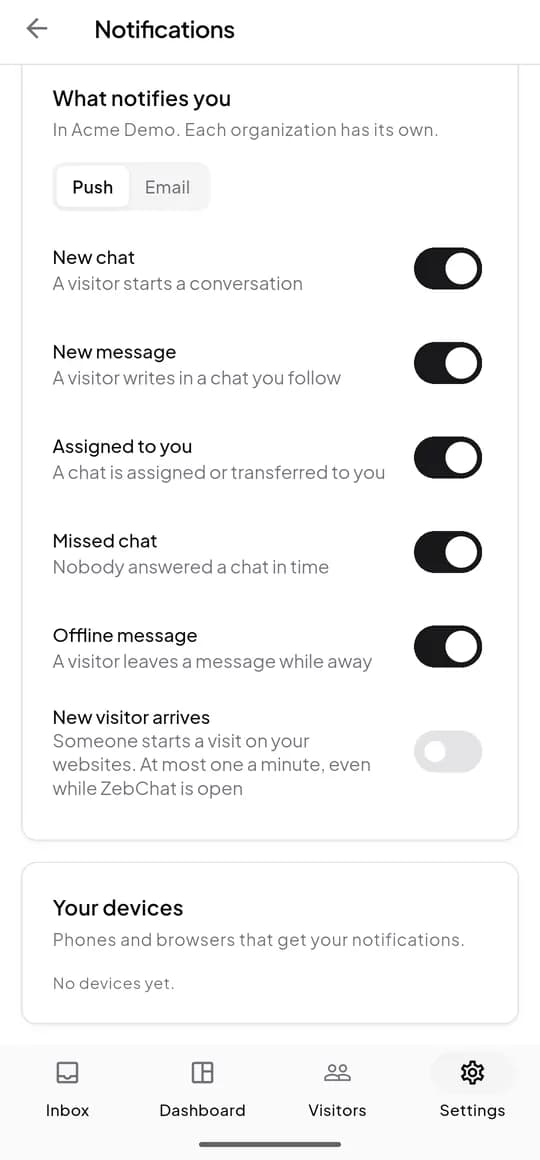
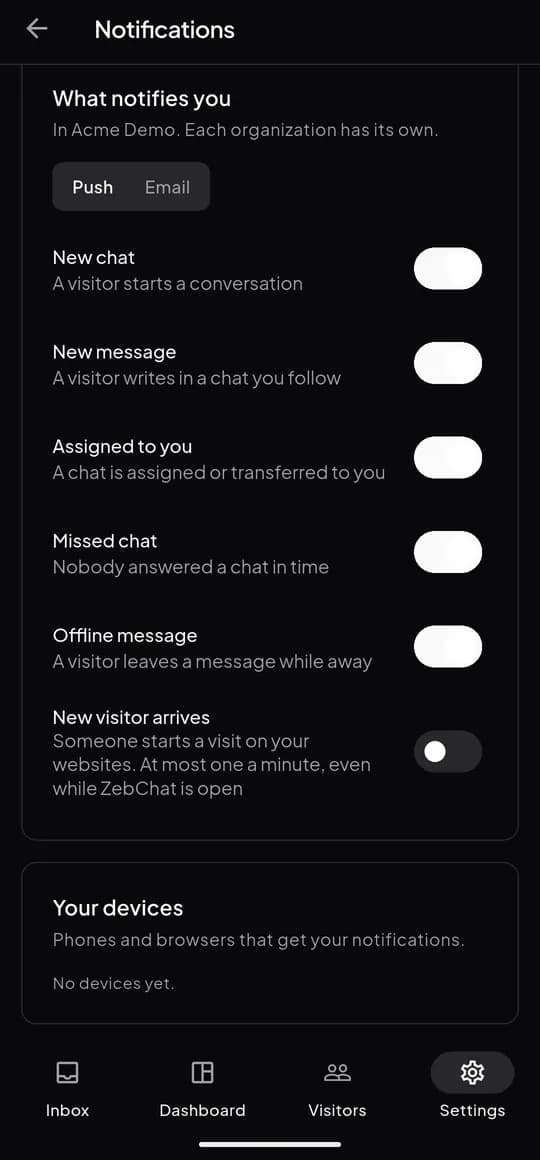
Notifications
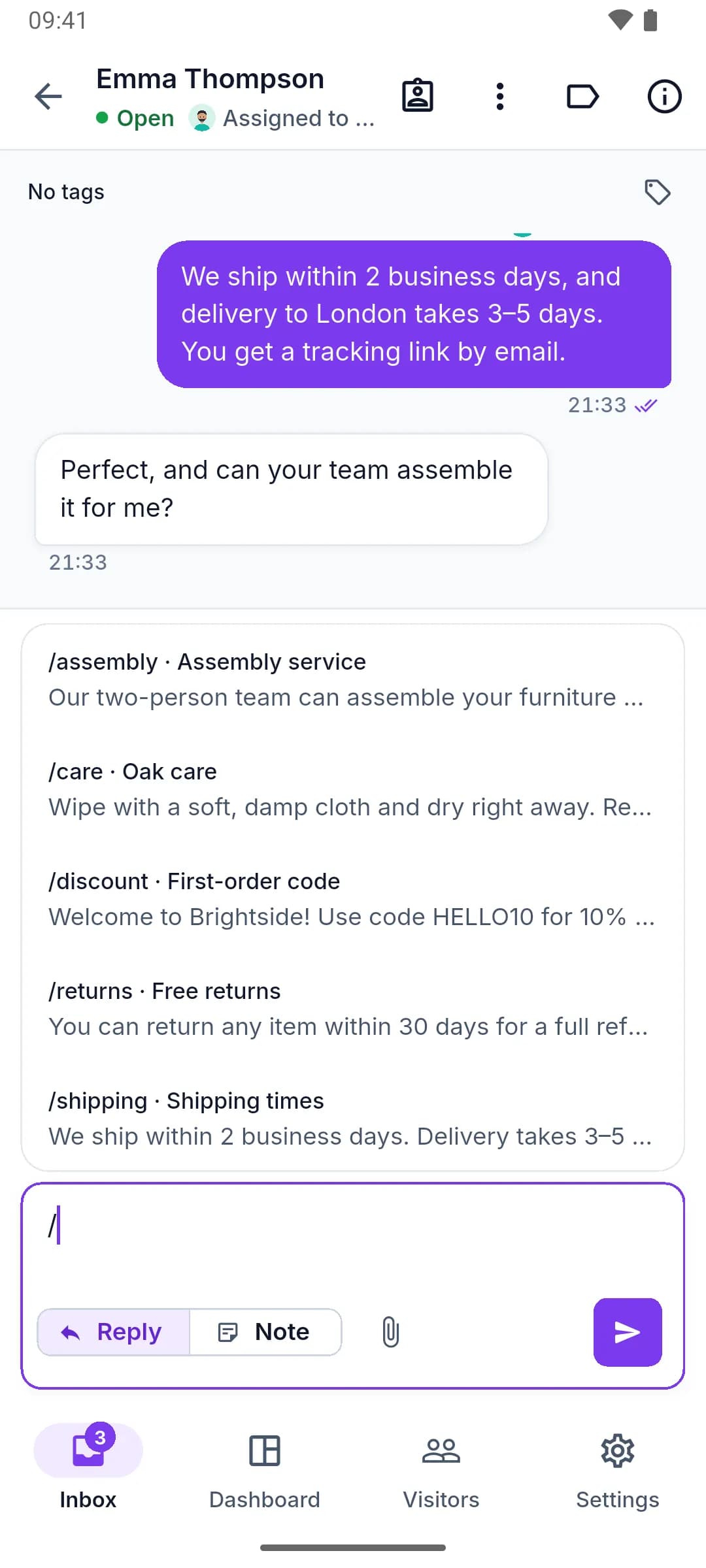
Saved replies
Inbox
Every chat, sorted for you
The same inbox as on the web, built for a phone: see what needs you first and jump in.
- All, Mine and Unassigned, with live counts
- Active, resolved and closed chats, filtered by team or skill
- Unread badges and how long a visitor has been waiting
- An AI badge on chats the assistant is handling
Conversations
Everything you need to reply
Reply, leave an internal note or send a file without walking back to your desk.
- Typing indicators and read receipts
- Photos and files, with thumbnails and a full-screen viewer
- Internal notes, and saved replies with "/"
- Tags, priority, assign and transfer
- Supervisors can monitor or join a colleague’s chat
AI assistant
Step in when the AI hands over
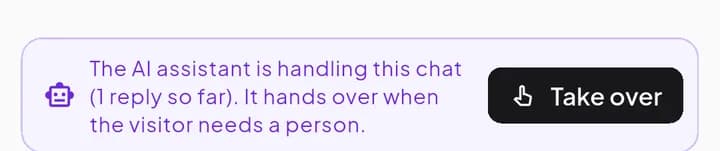
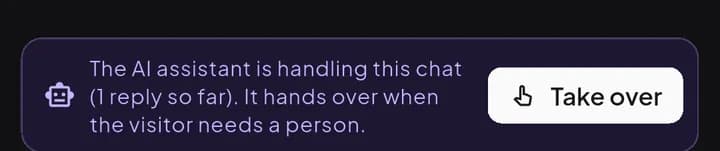
When your AI assistant is answering, you see it right in the chat, and you can take over at any moment.
- A banner while the assistant is handling a chat, with Take over
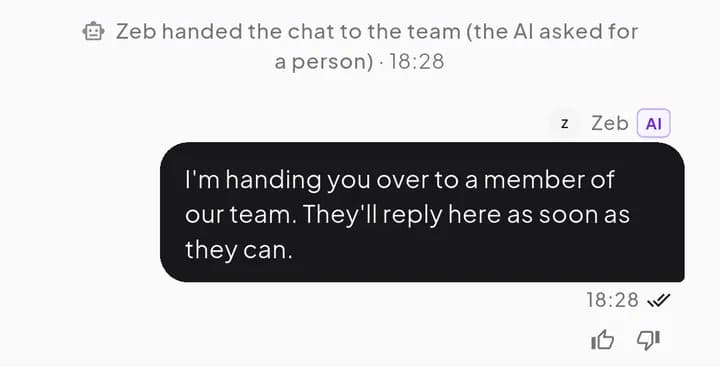
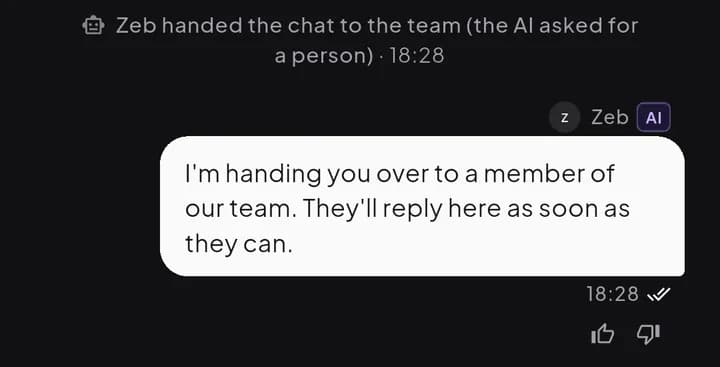
- A handoff line and a summary note when a person is needed
- Live drafts while the assistant writes
- Rate AI replies with a thumbs up or down and a note
Push notifications
Know when a visitor needs you
Choose what reaches your phone, for each organization. Push works even when the app is closed.
- New chats, and new messages in chats you follow
- Chats assigned or transferred to you
- Missed chats and offline messages
- Opt-in alerts when a new visitor arrives, at most one a minute
Live visitors
See who is on your site right now
Follow visitors on a live map or list, and start the conversation before they ask.
- A live list with the page each visitor is reading
- A world map that groups visitors by chatting, browsing or idle
- Visitor profiles with visits, journey and past chats
- Start a chat from a visitor’s profile
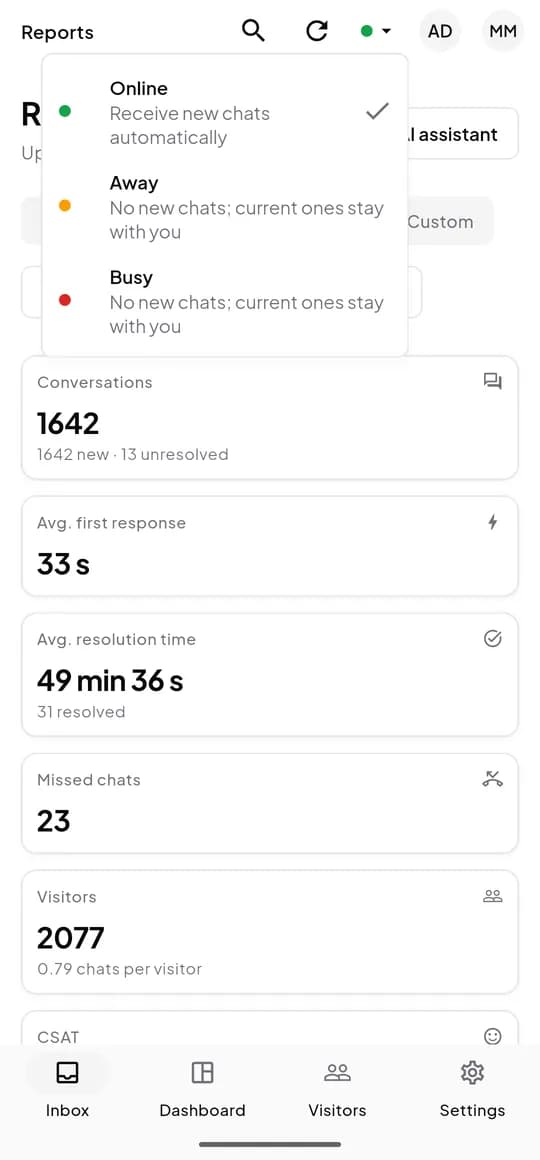
Reports
Your numbers on the go
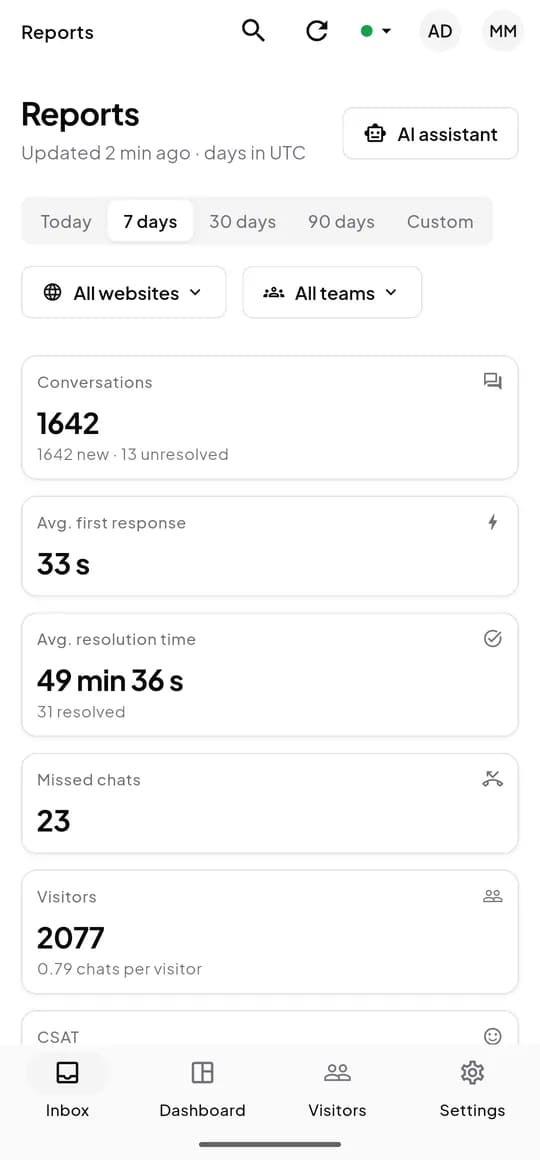
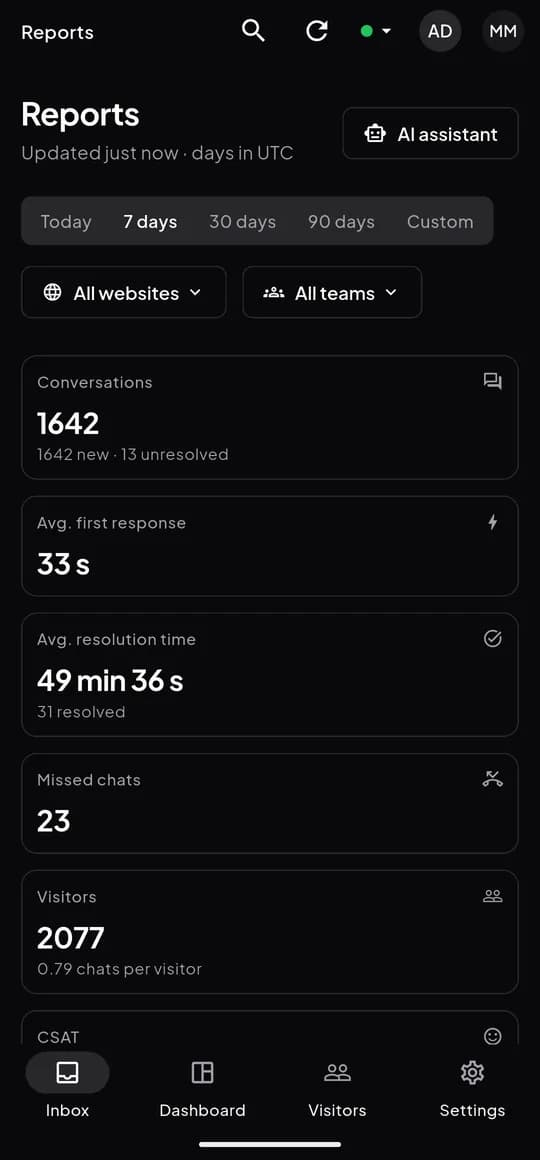
The reports from the web dashboard, sized for your phone and shown in your organization's time zone.
- Conversations, first response and resolution times
- Missed chats, visitors and CSAT
- Today, 7, 30 or 90 days, or a custom range
- Filters by website and team, and a separate AI assistant report
Team
Set your status, see your team
Take a break without missing a beat: routing sends new chats only to agents who are online.
- Online, Away or Busy, one tap from the top bar
- The team roster with live status and load
- Members, roles and invitations
- Teams, skills and routing settings
Phones and tablets
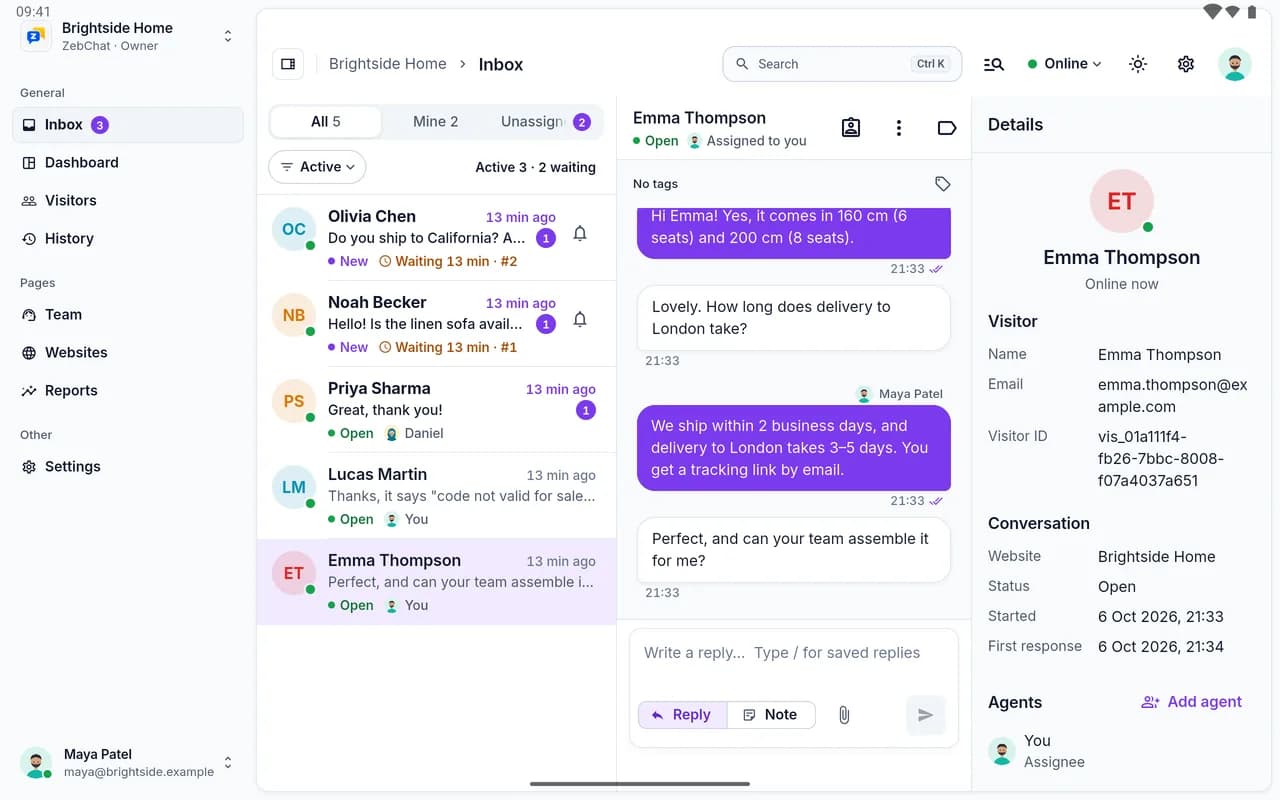
Room to grow on a bigger screen
On a tablet the app shows the sidebar, the inbox, the conversation and the visitor details side by side.
Also on your phone
Manage the workspace, not just the chats
Admins and supervisors can keep ZebChat running from the app.
Knowledge base
Add and edit the FAQs and articles your AI assistant answers from, and follow each source’s status.
AI assistant
Key status, AI agent mode and handoff keywords. Keys are write-only and never shown.
Saved replies and tags
Keep the answers your team types with "/" and the labels for chats and visitors up to date.
Websites
Install code, widget appearance, pre-chat and offline forms, and business hours.
Notifications
Push and email preferences per organization, and the devices that get your alerts.
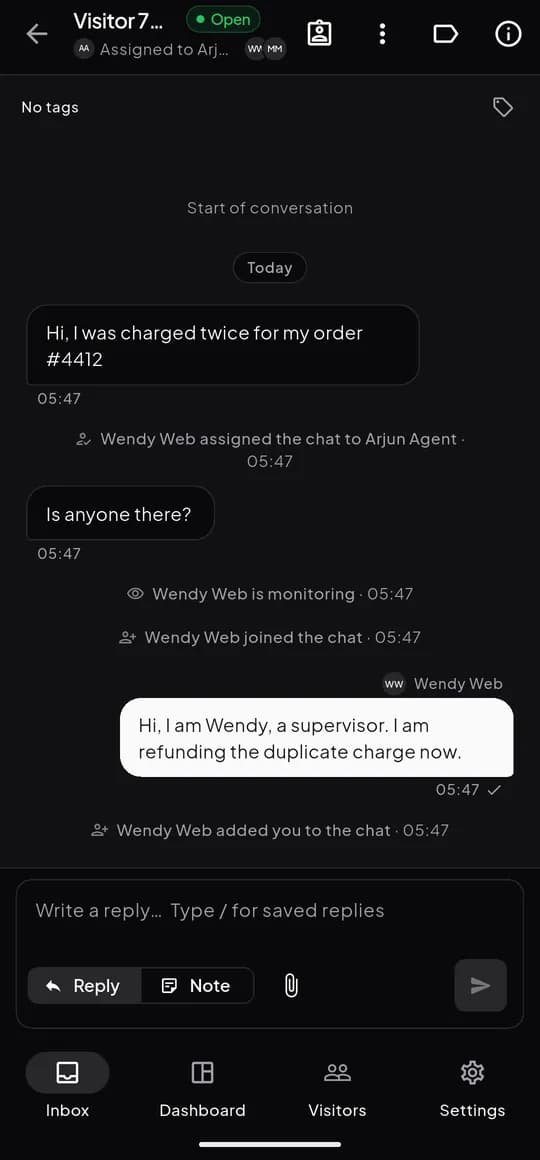
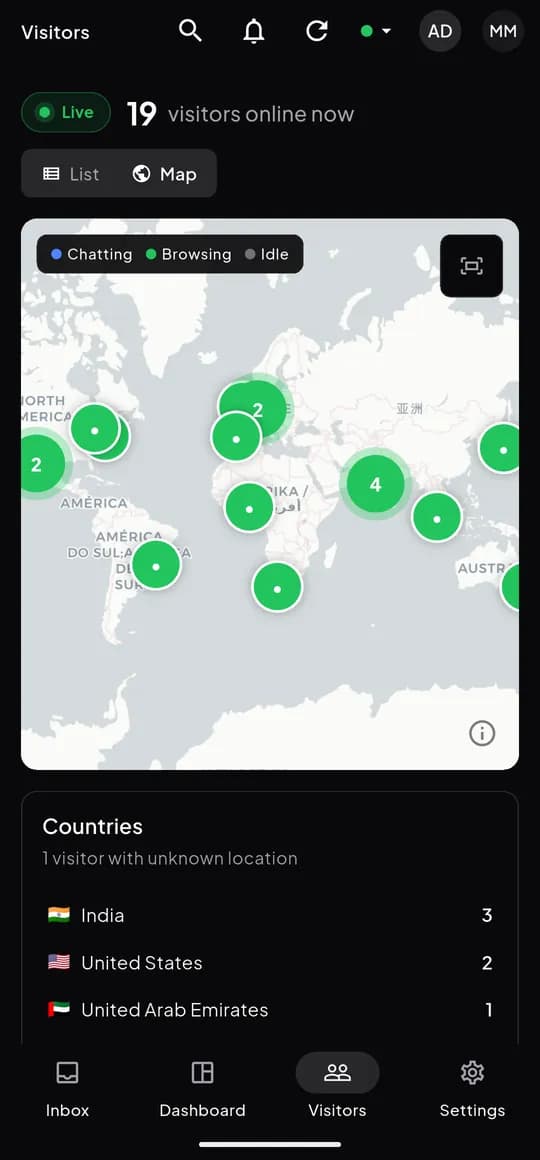
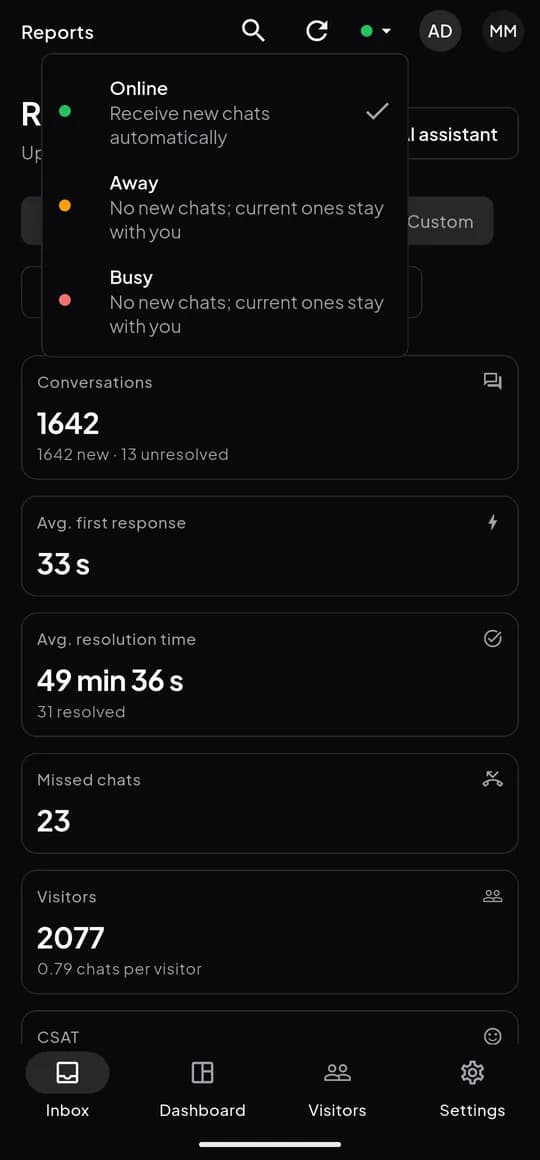
Light and dark
Follow your phone’s setting or pick a theme. The app remembers your choice.
One account
Same account as the web dashboard
Sign in on your phone with the account you use on the web. Your organizations, websites, chats and settings are the same everywhere, and a reply sent from the app shows up on the web straight away.
Open the web dashboardKept on the web dashboard
Desk tasks with secrets, payloads or long forms:
- API keys and webhooks
- AI actions, test questions and the playground
- Adding web pages, sitemaps and files to the knowledge base
- The AI agent’s persona and instructions
FAQ
Frequently asked questions
Is the app free?
Yes. The ZebChat app for Android and iOS is included in every plan, Free too. You only pay for your ZebChat plan.
Do I need the web dashboard?
Not to answer chats: the app has the inbox, visitors, notifications and reports. A few setup tasks, such as API keys, webhooks and AI actions, are done in the web dashboard, and you sign in to both with the same account.
Which devices does the app run on?
Android phones and iPhones, plus tablets, where the app switches to a side-by-side layout. On a computer, the web dashboard gives you the same inbox in the browser.
Where can I download it?
Get ZebChat on the App Store for iPhone and iPad, or on Google Play for Android phones and tablets; the buttons on this page link to both. The apps are free with every ZebChat account. On a computer, the web dashboard works in any modern browser, with browser notifications.
Will I get notifications when the app is closed?
Yes. The app receives push notifications for new chats, messages, assignments and missed chats, based on your notification preferences.
Take ZebChat with you
Start free on the web, then sign in on your phone with the same account.