

Media kit
ZebChat media kit
Logos, colours, product screenshots and boilerplate for press, partners and integrations. Use them to write about ZebChat or to show that your product works with it.
Logos
Logo, mark and app icon
Use the SVG files wherever you can: they stay sharp at any size. PNGs are transparent and come in three widths.
Full logo



Usage
Using the logo
Keep the logo as we draw it: the original file, with room to breathe, on a calm background.
Clear space
Keep space on every side equal to the height of the “Z” in the mark (x, a quarter of the logo’s height). No text or other graphics inside it.

Minimum size
The full logo is at least 96 px wide, the mark at least 24 px. Smaller than that, use the simplified favicon.


Do
Full colour on white and light backgrounds 
The dark version on dark backgrounds 
The white logo on ZebChat blue or photos
Don’t
Don’t stretch or squash it Don’t recolour it Don’t rotate it Don’t add shadows, outlines or effects Don’t place it on busy backgrounds Don’t use the light-background logo on dark
And don’t re-type the wordmark in another font, rearrange the mark and the name, or crop the bubbles. Need a version that isn’t here? Ask us.
Colours
Brand colours
ZebChat blue leads; the yellow-to-amber accent comes from the back bubble and is used sparingly. Never set yellow text on white.
Brand
Zeb Blue 600
Primary. Buttons, links, "Chat" and the front bubble.
Zeb Blue 700
Hover and pressed states.
Zeb Blue 400
Blue text and links on dark.
Yellow
Accent. Back bubble, highlights.
Amber
End of the accent gradient.
Neutrals
Navy 900
Dark backgrounds.
Navy 700
Text, "Zeb", dark surfaces.
Muted text
Secondary text.
Border
Lines and dividers.
Surface
Light panels.
White
Light backgrounds.
The full scale and the light and dark theme tokens are in the JSON and CSS colour files.
Typography
Typefaces
ZebChat’s website, web dashboard and documentation are set in Geist Sans, with Geist Mono for code. Both are free under the SIL Open Font License.
Geist Sans
Headings and text
Aa
Talk to the people on your website, right now.
- Regular400
- Medium500
- Semibold600
- Bold700
ABCDEFGHIJKLMNOPQRSTUVWXYZ abcdefghijklmnopqrstuvwxyz 0123456789
Geist Mono
Code, labels and numbers
Aa
<script
  src="https://cdn.zebchat.com/widget/v1/widget.js"
  data-site="SITE_KEY"
  async
></script>
ABCDEFGHIJKLM abcdefghijklm 0123456789 {} [] =>
The wordmark is drawn from Outfit SemiBold and converted to outlines: always use the logo files instead of typing “ZebChat” in a font. Geist is available from vercel.com/font.
Screenshots
Product screenshots
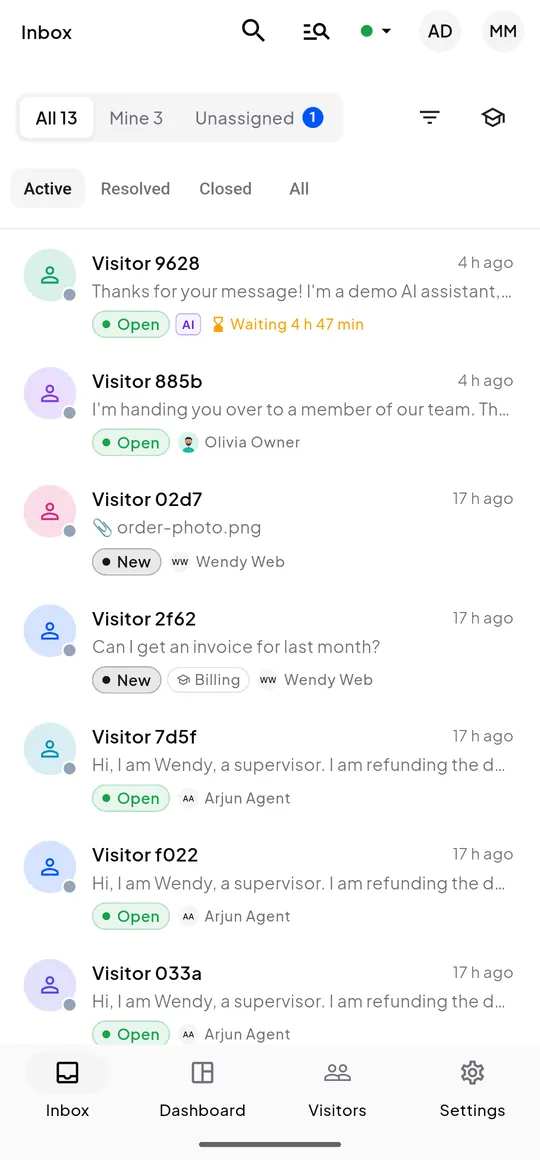
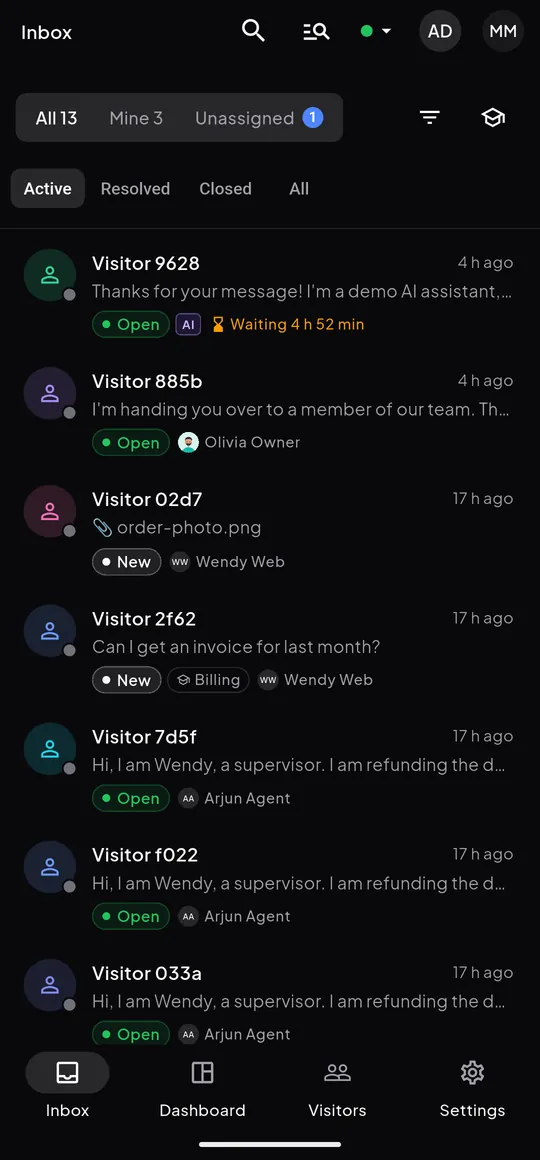
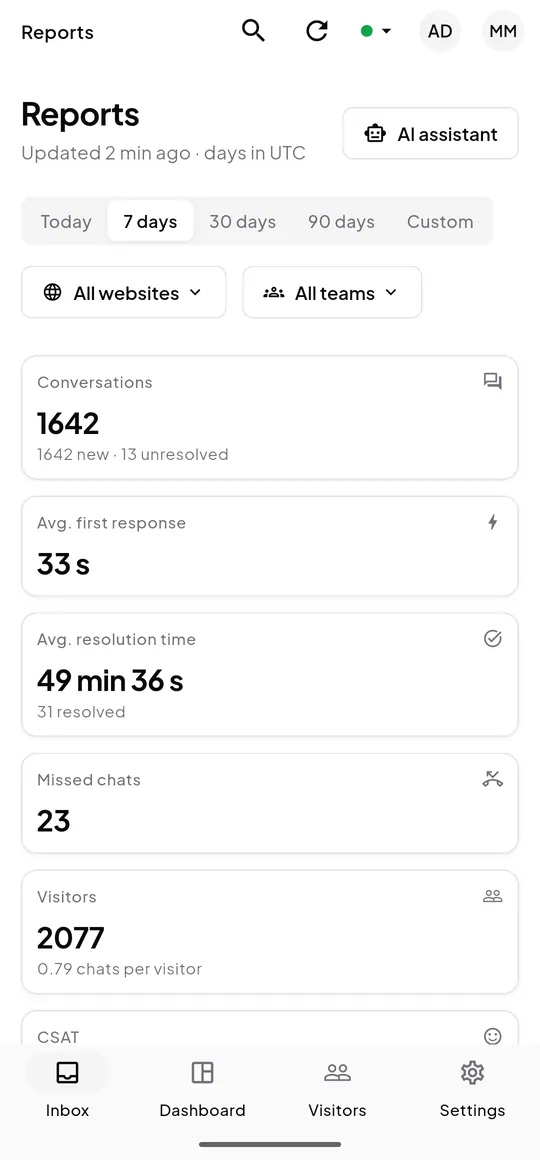
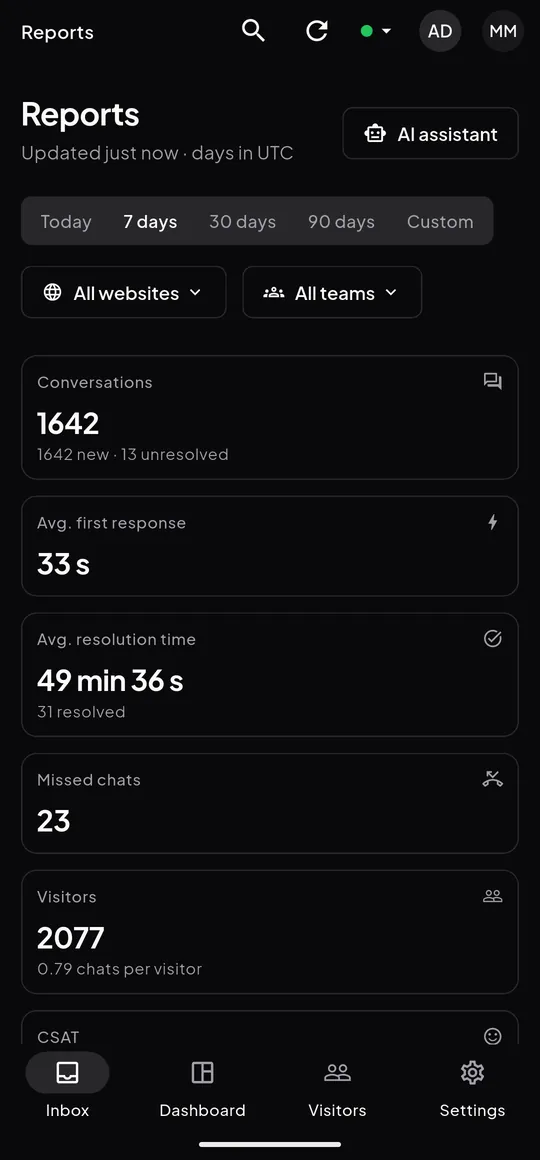
The ZebChat app for Android and iOS, in light and dark. Real screens with demo data, 540 × 1160 WebP.
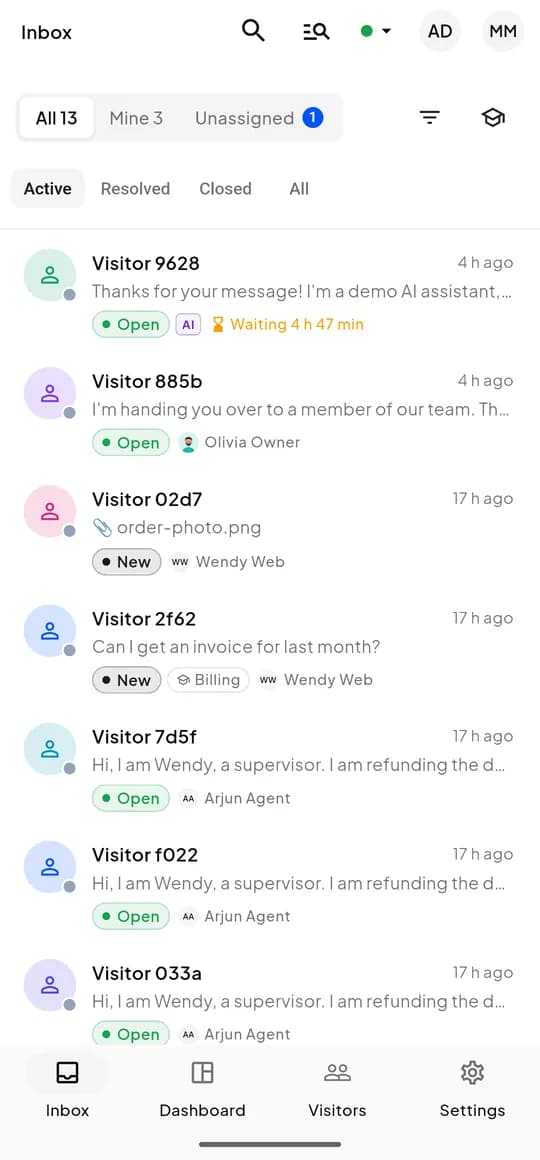
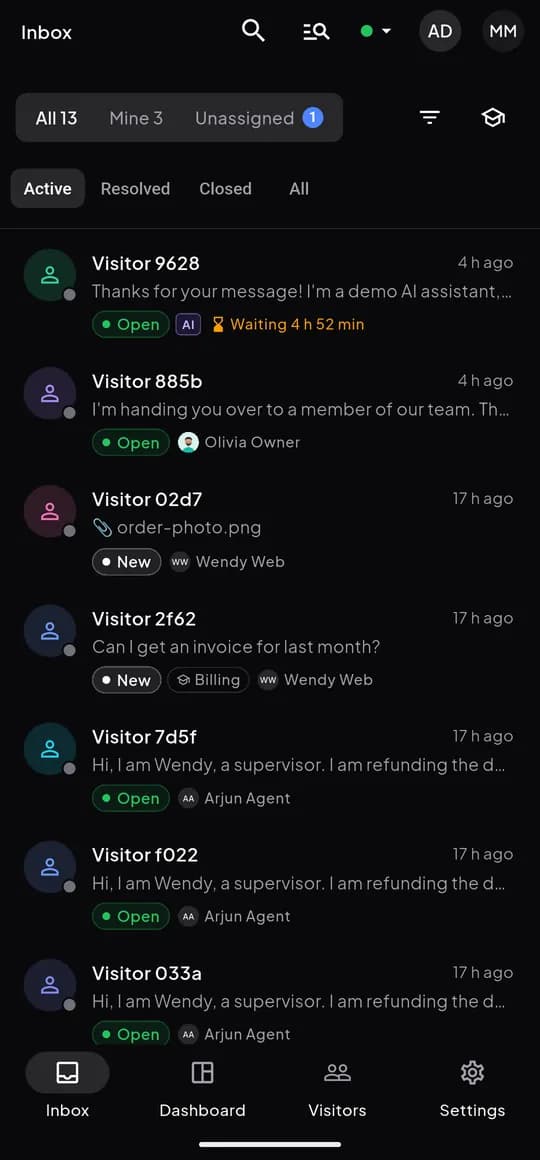
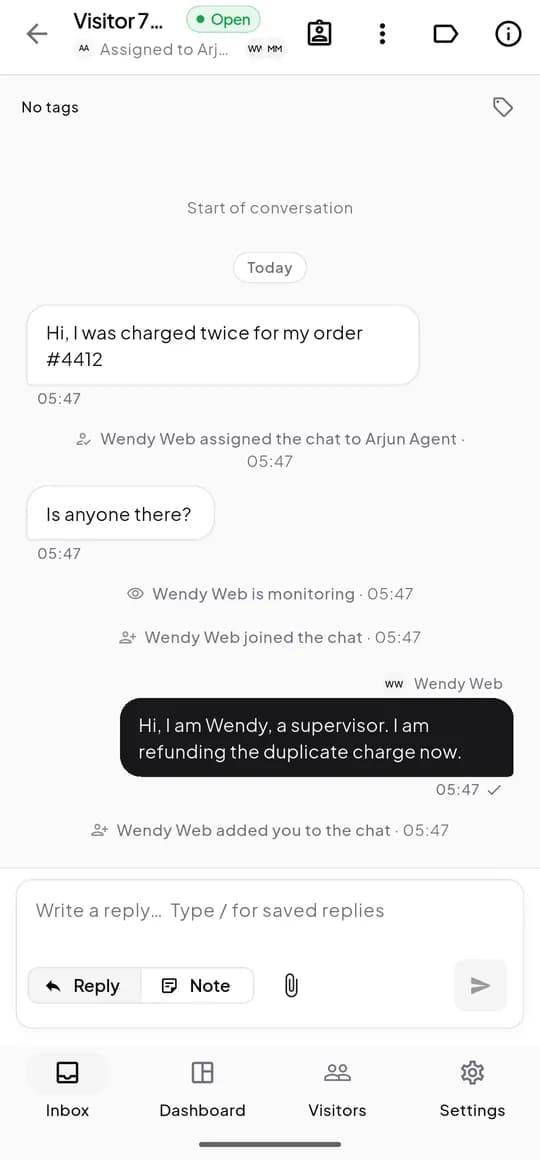
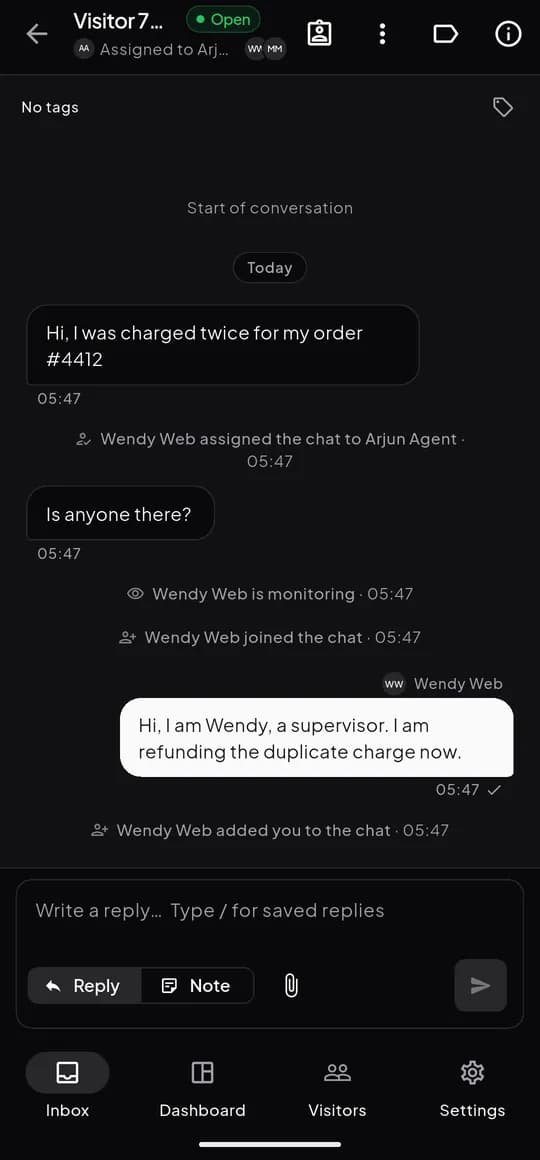
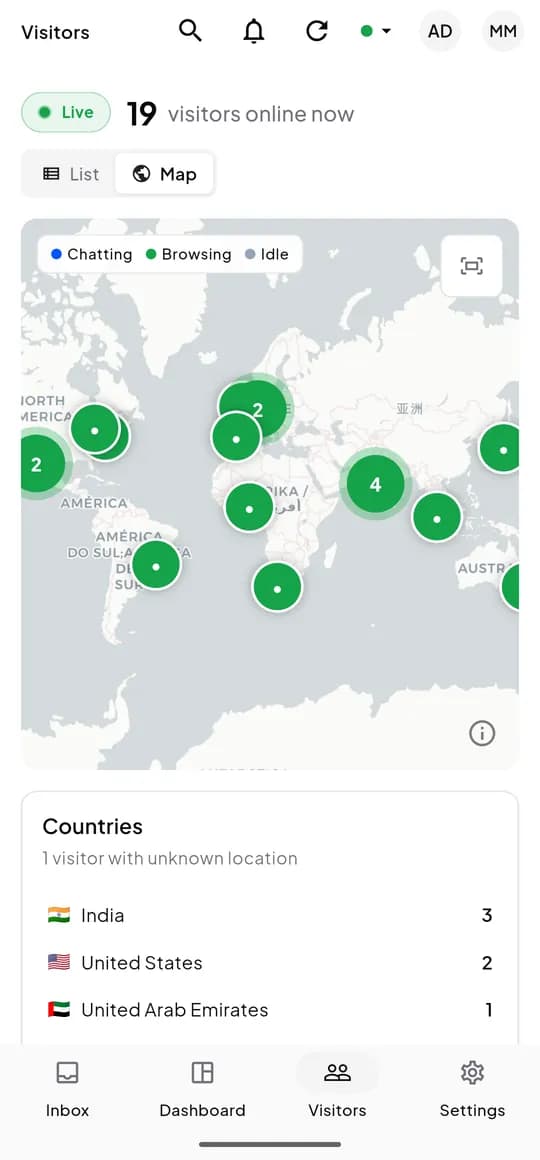
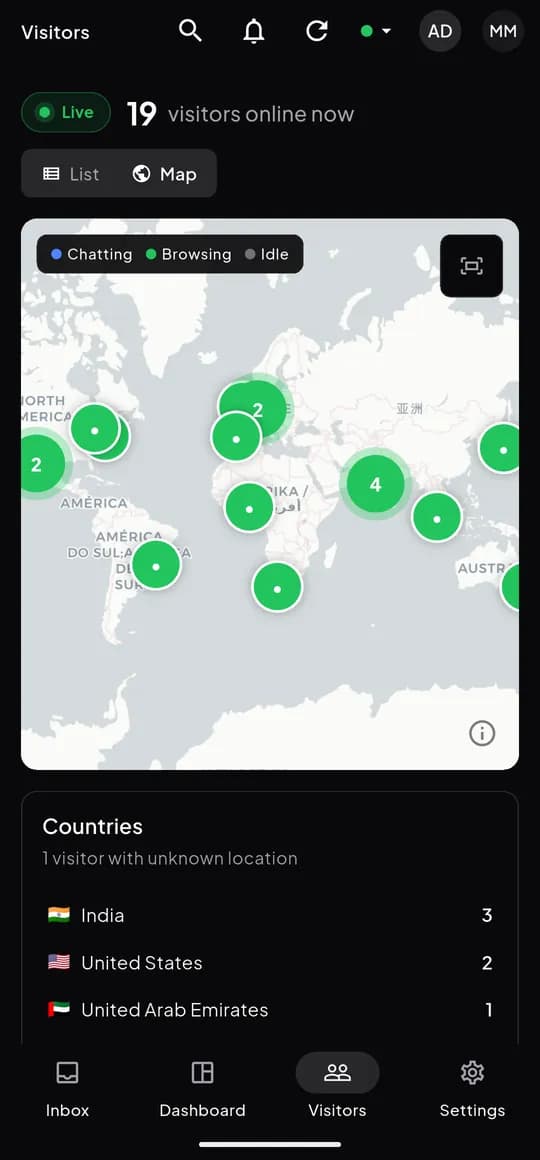
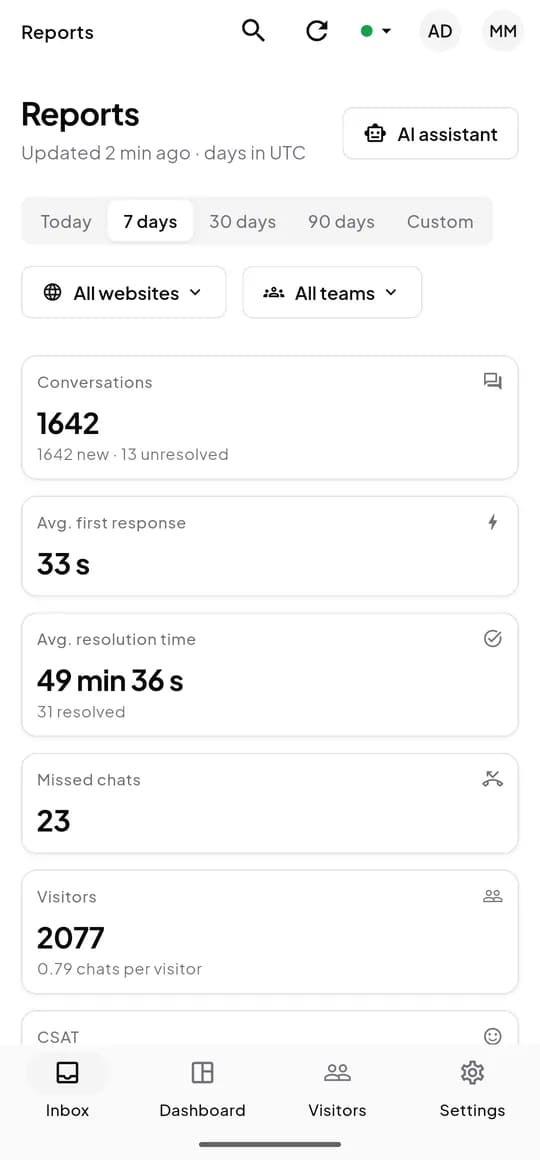
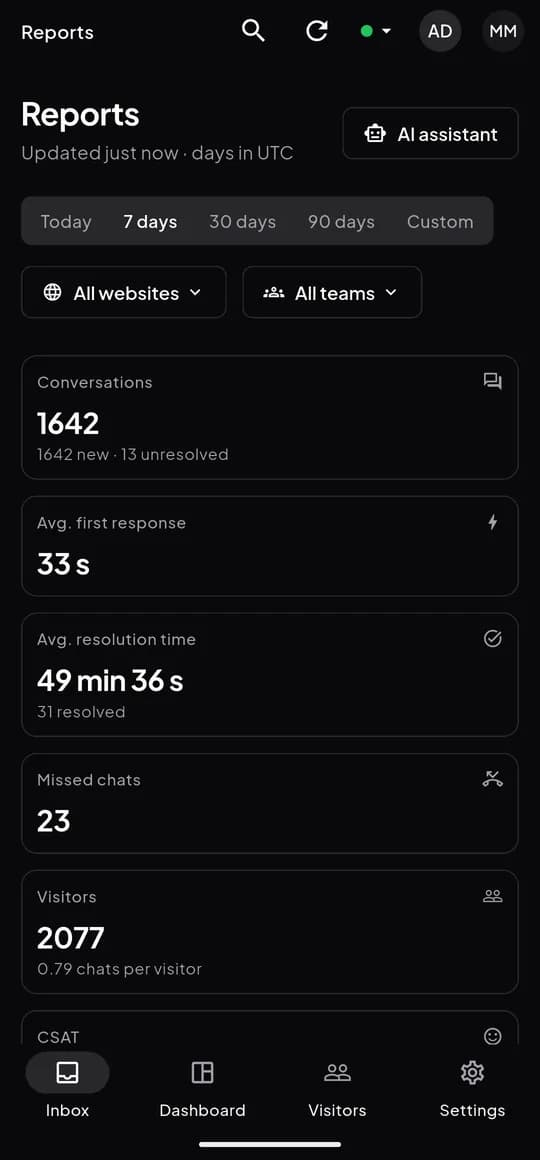










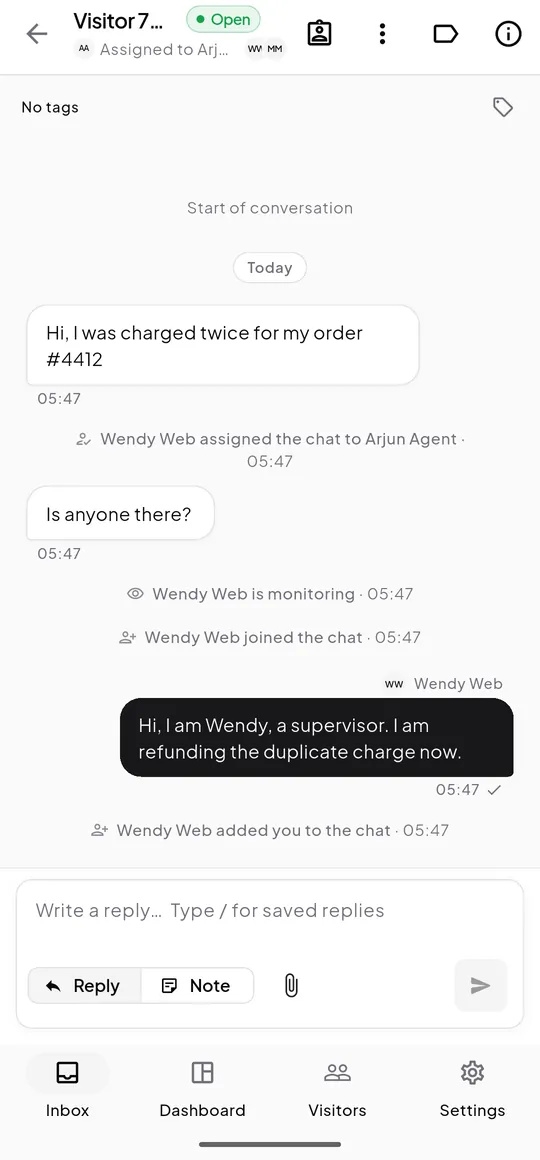
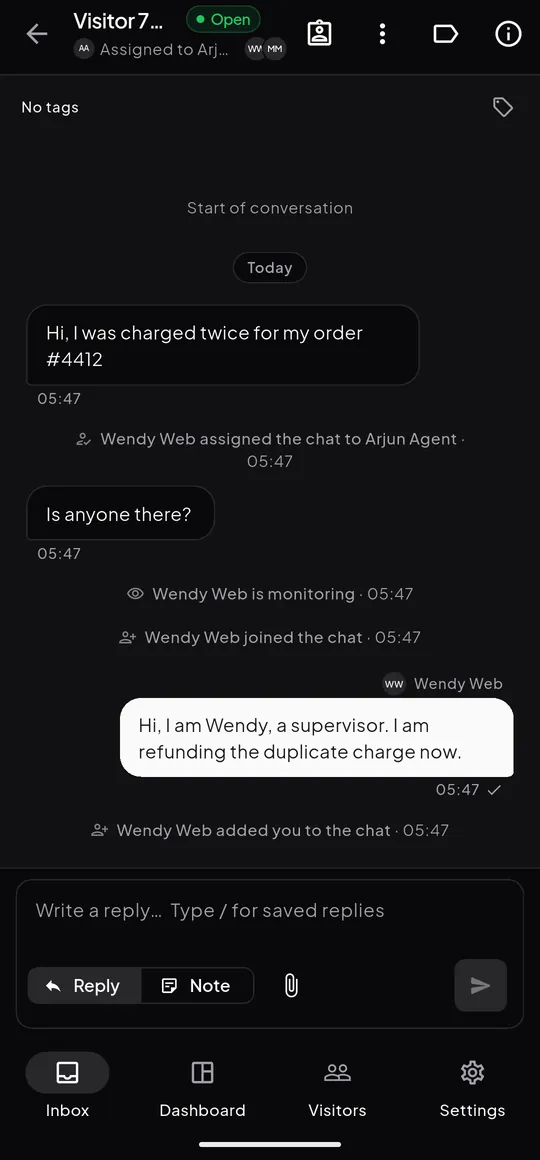
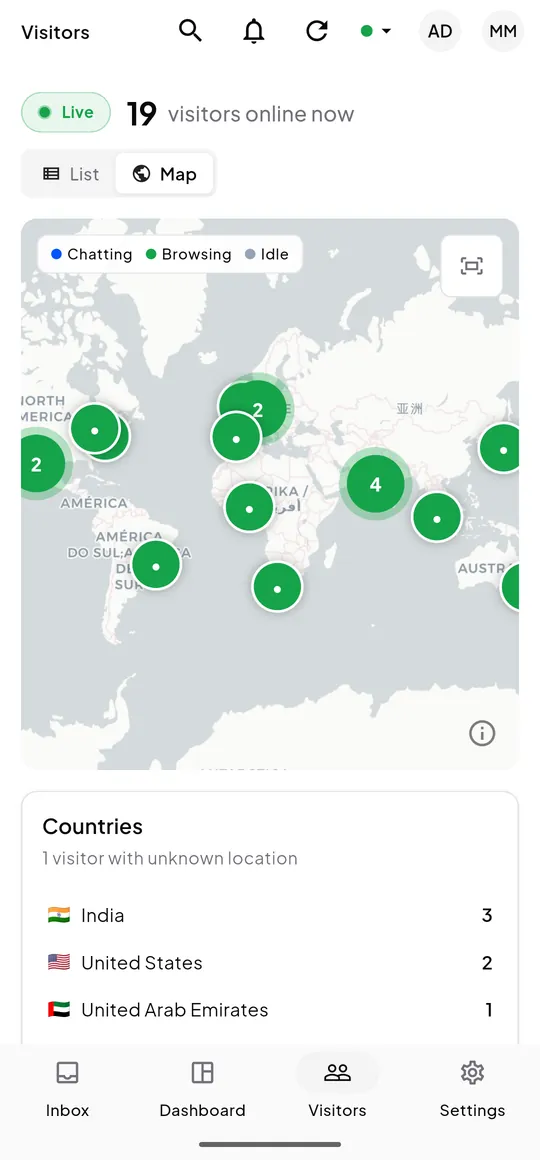
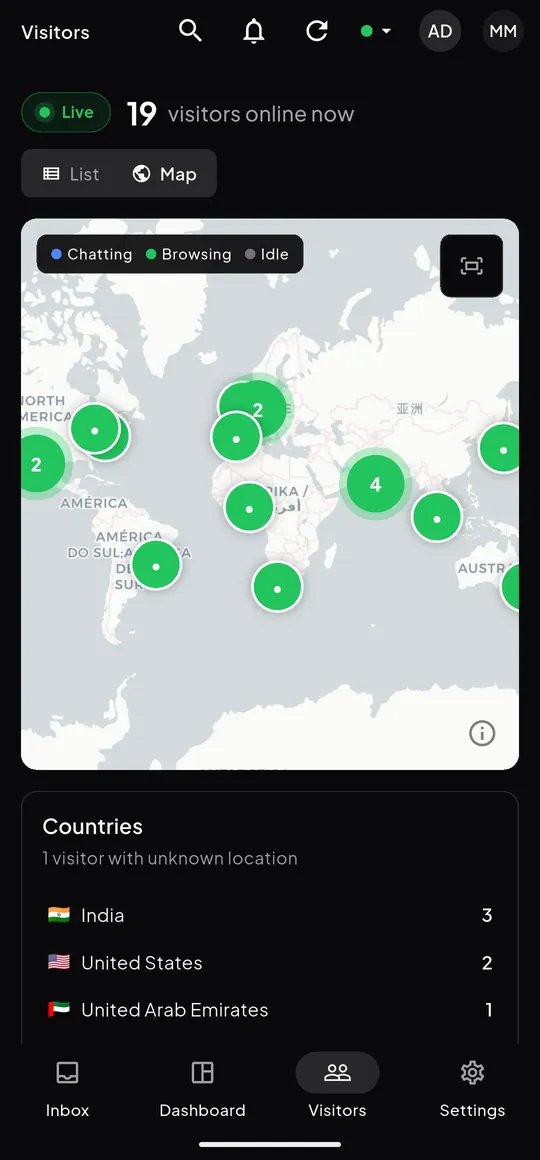
The web dashboard
The same inbox, visitors and reports in the browser, plus settings, API keys and webhooks. For dashboard screenshots or a guided demo, email [email protected].
Boilerplate
About ZebChat
Copy the length that fits. Please keep the name as one word with a capital C: ZebChat.
One line
14 wordsZebChat is live chat for websites, with an AI assistant and real-time visitor insights.
Short
51 wordsZebChat is live chat for websites. Teams see who is browsing right now, answer from the web or the Android and iOS apps, and route every chat to the right agent. An optional AI assistant, on the customer’s own Claude or OpenAI key, answers common questions and hands over to people.
Long
100 wordsZebChat is a live chat platform that helps businesses talk to the people on their website. A lightweight widget adds chat to any site with one line of code. Teams see visitors in real time, answer from the web dashboard or the ZebChat apps for Android and iOS, and route each conversation to the right agent or team. An optional AI assistant runs on the customer’s own Claude or OpenAI key, answers common questions from their knowledge base and hands over to a person when needed. First launched in 2017, ZebChat is built by Tech Avenue Labs in Hyderabad, India.
ZebChat is a product of Tech Avenue Labs.
Press contact
For interviews, partnerships, integrations or an asset you can’t find here, write to [email protected]. A person reads every message.